
Short guide to Getting Started with SnapDragon Fortune Tellers
SnapDragon Fortune Tellers
Overview of SnapDragon app for iPhone & iPad.
Fortune Teller Folding Instructions
Illustrated step-by-step guide.

SnapDragon Fortune teller
iPhone & iPad






And a few helpful notes —
Images will look goofy when the fortune teller is printed out because the app morphs images so they look ‘right’ when viewed at an angle on a folded Fortune Teller. So not to worry! Fold and you’ll see the images will look right.
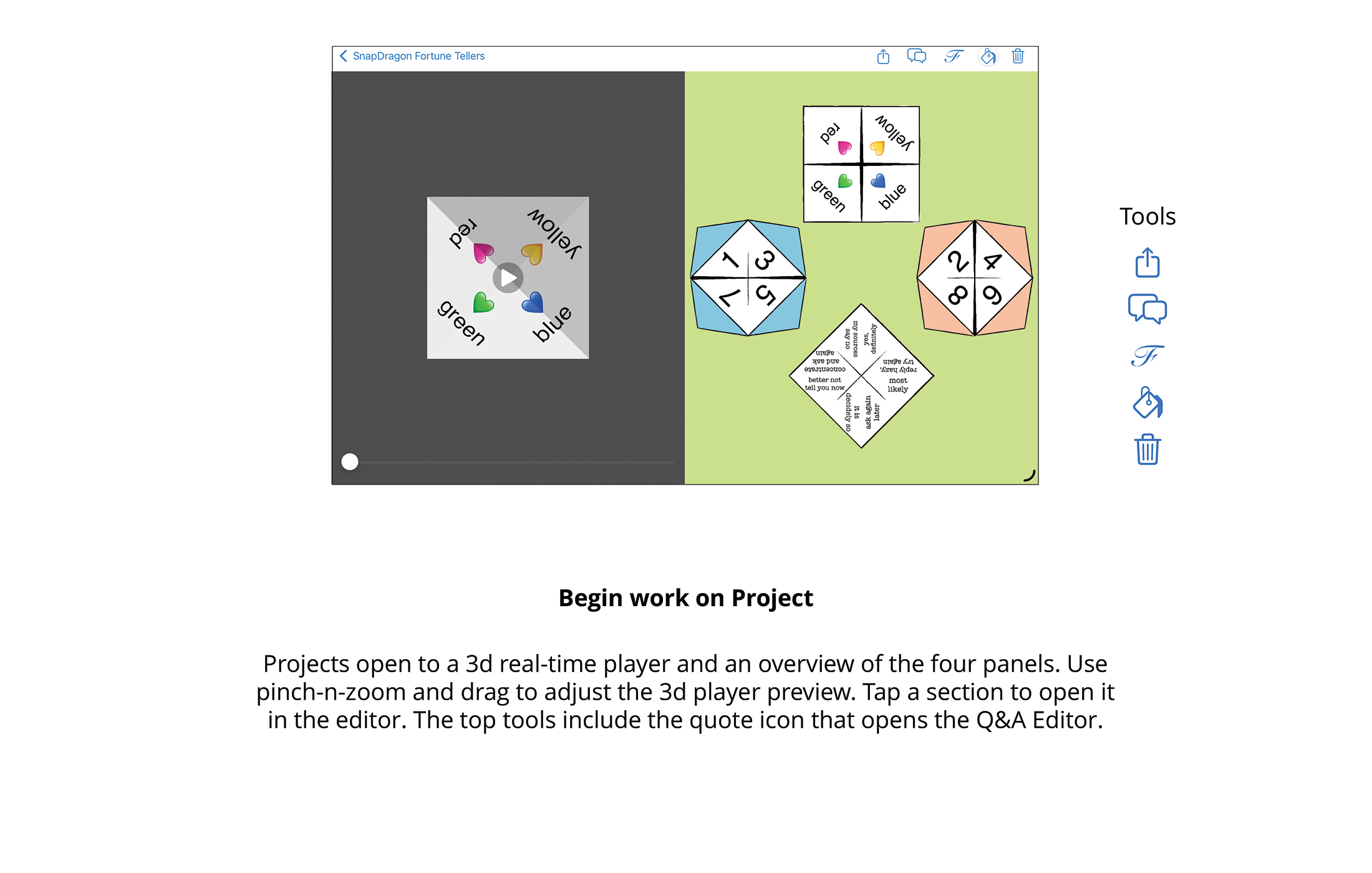
The 3d real-time player shows your project opening, closing and unfolding so you can get a preview of your project before printing. Use gestures to view it from different angles and drag the play button to advance or replay.
Share includes EXPORT DESIGN which lets you send your project to a friend who also has SnapDragon Fortune Teller so they can edit and print it themselves. (If you don’t want to let them edit, use SHARE PDF.)